
Embedded Computing

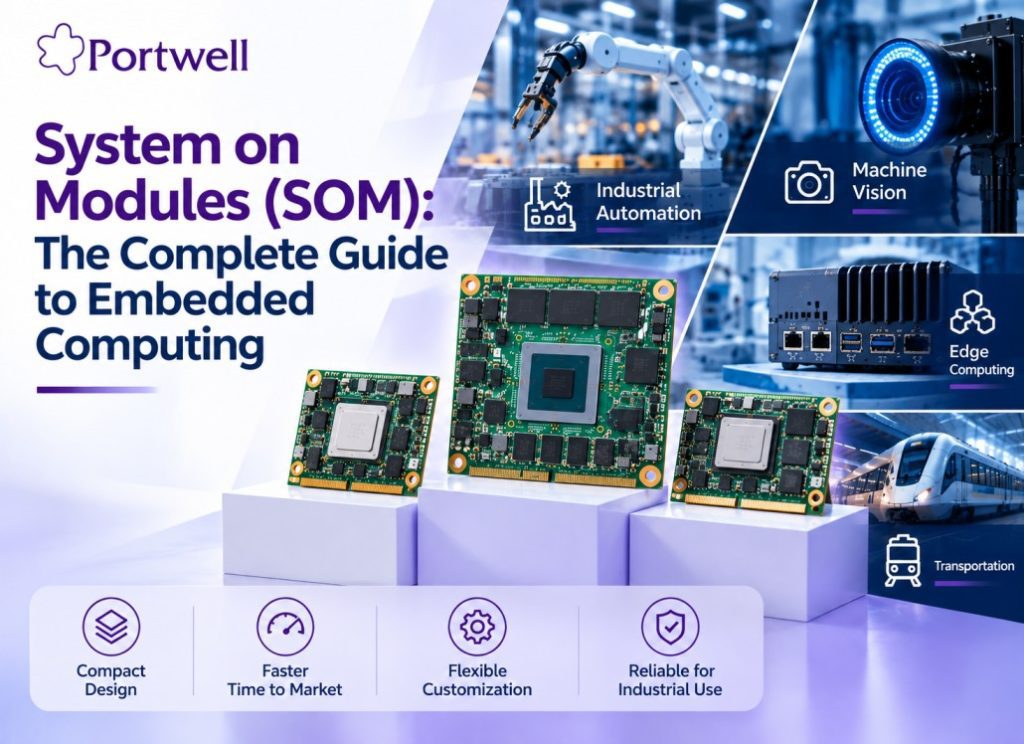
Portwell System on Module (SOM) boards for embedded computing, industrial automation, machine vision, and edge computing applications

System on Modules (SOM): Complete Guide to Embedded Computing

Home / System on Modules (SOM): The Complete Guide to Embedded Computing Published On: 08 September 2026 Table of Contents A System on Module (SOM) also called a Computer on Module (COM) is a compact, production-ready circuit board that integrates a processor, memory, storage, power management, and core interfaces into one module. It plugs into a carrier board that adds the application-specific I/O, letting product teams build embedded systems faster without designing the entire computing architecture from scratch. Portwell designs and manufactures System on Modules including COM Express and Qseven form factors along with PICMG SBCs and industrial motherboards for OEMs building industrial, automation, and edge-computing products. What Is a System on Module (SOM)? A System on Module (SOM) sometimes called a Computer on Module (COM), as the two terms are used interchangeably in the industry is a compact embedded computing board that integrates the processor, memory, storage, and power circuitry needed to run an operating system and application software. A SOM may include: Processor or System on Chip (SOC) RAM Flash or eMMC storage Power management circuitry (PMIC) Graphics or AI acceleration (GPU/NPU) Ethernet and USB interfaces Wireless connectivity Security components High-speed communication interfaces Instead of designing these components individually onto a custom PCB, developers integrate a pre-engineered SoM into a carrier board built around their application separating the computing platform from the application-specific hardware. Quick Fact Box SOM: Computer on Module (COM)  same concept but  different name A SOM is not a Single Board Computer (SBC) as it needs a carrier board A SOM is not a System on Chip (SOC) instead one chip and a full board built around one How Does a System on Module Work? A SOM-based embedded system has three major parts: System on Module -> Carrier Board -> End Product. The SoM is responsible for computing, while the carrier board distributes the power and the signals to displays, sensors, and industrial I/O of the end product. For example, a machine vision inspection system that requires Ethernet, CAN, USB, and a display can use Portwell SoM (for computation) with custom-designed Carrier Board that handles those interfaces, avoiding a complete custom chip-down design and shortening the development time by months. As a result, this design allows the engineers to focus on the application-oriented features instead of developing the whole embedded computer from scratch. What Components Are Included in a System on Module? Component Function Common Options Processor / SOC Core compute ARM, x86, RISC-V based SOCs RAM Runs OS + apps LPDDR4 / LPDDR4X, DDR4 Storage OS + application data eMMC, NAND, NOR flash Power Management (PMIC) Regulates / distributes power PMIC-based circuits Connectivity I/O to carrier board Ethernet, USB, PCIe, CAN/CAN-FD, MIPI Acceleration AI / vision workloads GPU, NPU, DSP, FPGA Security Data / boot protection Secure boot, hardware security elements, secure storage SOM vs SOC vs SBC — What’s the Difference? A SOM is a compute module that requires a carrier board; a SoC is a single chip requiring full custom PCB design; an SBC is a complete, ready-to-use computer needing no carrier board. Most embedded product teams get the best balance of speed and customization from a SoM. Feature System on Module System on Chip Single Board Computer Definition Complete computing module Computing architecture integrated into a chip Complete computer on a board Processor Included Included Included Memory Often integrated May be integrated or external Included Carrier Board Usually required Custom PCB required Usually not required Customization High Very High Moderate Hardware Development Reduced Significant Low Time to Market Faster Longer Fast Best Suited For Embedded products Highly customized hardware Prototyping and complete systems SOM vs Chip-Down Design: Which Should You Choose? Choose a SOM for faster time to market, lower engineering cost, and lower hardware-expertise requirements. Choose chip-down design only for highly specialized, high-volume products where maximum hardware control justifies the added cost and time. Factor SoM-Based Design Chip-Down Design Development Effort Lower Higher Time to Market Faster Longer Initial Engineering Cost Generally lower Generally higher Hardware Customization High Maximum Hardware Expertise Required Lower Higher Design Flexibility High Very high Prototype Development Faster Slower Product Scalability High Depends on design Best Suited For Many embedded products Highly specialized / high-volume products SoM Form Factors: Edge Connector vs. Mezzanine vs. Solder-Down SoMs come in three main mechanical form factors — edge connector, mezzanine connector, and solder-down (SMD) each suited to different design and volume needs. Form Factor Characteristics Best For Edge Connector Widely used industry standard (e.g., COM Express, Qseven); larger footprint due to connector Standard industrial designs, easy field upgrades Mezzanine Connector More efficient use of board space than edge connectors Space-constrained designs needing swappability Solder-Down (SMD) Mechanically robust, low profile, suited to automated assembly High-volume production, rugged/vibration-heavy environments Portwell’s COM Express and Qseven modules use industry-standard edge-connector form factors, giving OEMs a proven, pin-compatible upgrade path across processor generations. Real-World Applications of System on Modules SoMs provide processor boards for a variety of industries requiring computing solutions that are compact, reliable, and can be deployed in the field. Industrial Automation and Robotics SOMs are enabling PLCs, robot controllers, and other factory automation systems requiring real-time processing and rugged components the main focus in the Portwell industrial PC line and embedded box PCs. Machine Vision and Quality Inspection SOMs with a GPU/NPU on board can process images directly on the device, which is key for defect detection, inventory inspection, and signature analysis on the manufacturing lines where any delay would not be acceptable. IoT Gateways and Edge Computing SOMs powered with different wireless technologies are collecting the sensor data and processing it locally before transferring to the cloud, which allows reducing costs and latency due to lower usage of bandwidth. Medical and Diagnostic Devices SOMs are compact and low-power solutions for any patient monitoring devices and diagnostic equipment where reliability and availability of parts for extended time period are essential. Transport and Kiosks Industrial panel PCs and displays built around SOM/SBC technologies drive digital signage, ticket vending machines, transport systems,

System on Modules (SOM): Complete Guide to Embedded Computing Read More »
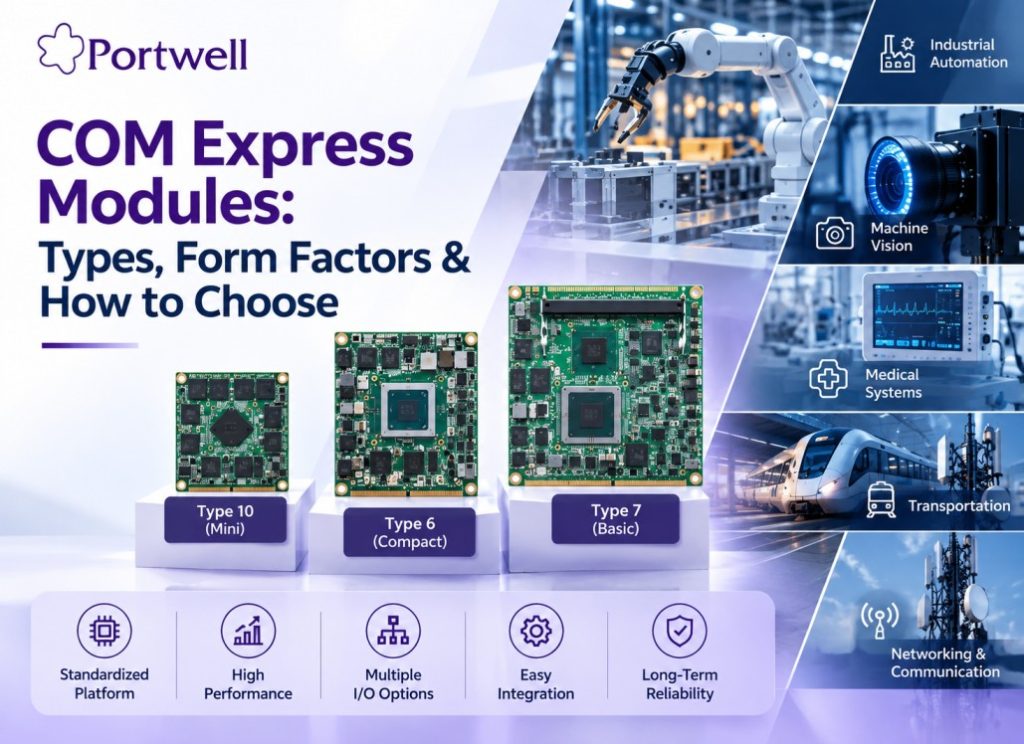
Portwell COM Express modules showing Type 10 Mini, Type 6 Compact, and Type 7 Basic form factors for embedded computing applications

COM Express Module Types: Form Factors and How to Choose

Home Blog COM Express Modules COM Express Modules: Types, Form Factors and How to Choose Published On: 07 September 2026 Table of Contents What Is a COM Express Module? COM Express is a Computer-on-Module (COM) standard that places the main computing functions on a compact module. These functions can include the processor, memory, graphics and core I/O interfaces. The module connects to a carrier board, which provides application-specific I/O, connectors and system expansion. This modular design allows OEMs and system integrators to build embedded systems around a standardized computing platform. How Does A COM Express Module Work? A COM Express System has two main parts: COM Express Module The module provides the main computing functions, including the processor, memory and core interfaces. Carrier Board The carrier board provides the application-specific connections, I/O ports and expansion needed by the system. Together, the COM Express module and carrier board form a complete embedded computing platform. The standardized design also gives OEMs more flexibility. When a new processor or computing platform is needed, the module can often be upgraded without redesigning the entire carrier board. Ready to Find the Right COM Express Module? Explore COM Express Modules COM Express Type 6 vs Type 7 vs Type 10 COM Express Type 6, Type 7 and Type 10 are designed for different computing, I/O and size requirements. COM Express Type Form Factor Typical applications Type 6 Balanced processing, graphics, and general I/O Industrial automation, HMI, robotics, machine vision, edge computing Type 7 High-speed networking and high-bandwidth I/O. Edge servers, network appliances, communication systems, high-throughput computing. Type 10 Compact Mini form factor for space- and power-constrained designs Space-constrained embedded systems where footprint matters more than raw I/O count COM Express Form Factors COM Express Type Form Factor Actual Size Type 10 Mini 55 × 84 mm Type 6 Compact 95 × 95 mm Type 7 Basic 95 × 125 mm What Is a COM Express Carrier Board and Why Is It Important? A COM Express carrier board connects the COM Express module to the rest of the system. The carrier board can provide: Application-specific I/O Connectors Storage interfaces Networking interfaces Display connections Expansion options Carrier board design also depends on the COM Express type. For example, a Type 6 carrier board is designed around the Type 6 pinout and its graphics and general I/O capabilities. A Type 7 carrier board is designed for the different I/O and high-speed networking requirements of Type 7. Therefore, a carrier board designed for one COM Express type is not automatically compatible with another type. COM Express vs COM-HPC, Qseven and SMARC COM Express, Qseven, and SMARC are Computer-on-Module standards designed for different performance, size and power requirements. COM Express provides a broad range of performance and I/O options, while Qseven and SMARC are commonly used where smaller form factors and lower power consumption are important. COM-HPC is a higher-performance PICMG Computer-on-Module standard designed for applications requiring greater I/O bandwidth and power than COM Express can provide. COM-HPC complements rather than simply replaces COM Express, making the two standards relevant to different system requirements. COM Express connector can deliver, while COM Express remains the broader, more established standard for current industrial and embedded designs. How to Choose the Right COM Express Module? Choosing a COM Express module starts with the application and workload. From there, evaluate processor performance, memory, I/O, power, thermal requirements, form factor and carrier-board compatibility. Processor In selecting a processor, it is important to consider its performance characteristics. It is important to analyse such factors as the processor generation, number of cores, graphics performance, and specific applications like industrial automation, machine vision, and edge computing. Memory It is essential to determine the type, size, and configuration of memory. By and large, this will be dictated by the operating system, applications, and processing needs. I/O Interfaces It is necessary to define the I/O interfaces to which peripheral devices will be connected. In this regard, PCIe, USB, SATA, Ethernet, and video interfaces are worth considering. Power It is always critical to compare power performance and budget since a given module will have power requirements that must be matched by the system power budget. This factor is closely related to the power draw of the processor. Thermal It is essential to understand the operating thermal budget in advance as some times, the industrial applications require cooling infrastructure. Form Factor It is always critical to consider the COM Express form factor in relation to the space allocated to the module. For instance, mini, compact, and basic modules have different physical dimensions. Carrier Board It is essential to select a module that is compatible with the given carrier board. In this regard, the pinout of the connector and the interfaces that need to be supported are also worth considering. Not sure which module fits your application? Talk to a COM Express engineer Which Portwell COM Express Modules Are Available? COM Express modules are used in applications where OEMs need a flexible and scalable computing platform. Common applications include: Industrial automation and robotics Machine vision and industrial HMI Edge computing and Edge AI systems Medical equipment Transportation systems Networking and communication systems, particularly network appliances built on Type 7 Defence and Aerospace Which Portwell COM Express Modules Are Available? Portwell offers COM Express Type 6, Type 7 and Type 10 modules across different processor platforms, form factors and performance levels. The complete portfolio includes modules for industrial automation, machine vision, edge computing, networking and other embedded applications. Product Module Type Processor / Platform Key Features Action PCOM-B65A COM Express Type 6 Basic Module Intel® Core™ Ultra 200 Series DDR5 · PCIe Gen 4 · USB 3.2 · 2.5GbE View Product PCOM-B658VGL COM Express Type 6 Basic Module Intel® 12th / 13th Gen H/P/U Processor DDR5 View Product PCOM-B659 COM Express Type 6 Compact Module Intel® 13th Gen P/U Processor DDR5 · PCIe Gen 4 · USB4 · 2.5GbE View Product Looking for more COM Express modules? View All COM Express Modules Why Choose

COM Express Module Types: Form Factors and How to Choose Read More »

Sales Request
Sales Request
Subscribe Portwell Newsletter
Enquire Now
Enquire Now
Enquire Now
Enquire Now
Talk to us
Enquire Now
Scroll to Top